
Private Side is where Pall Spera agents manage listings, marketing, CMAs, contracts, and leads — in one place, signed in with Google.
What you’ll use it for
Think of Private Side as your day-to-day workbench: your properties, the marketing you need for each one, seller presentations, contract paperwork, market research, and the leads that come in from the public site.
Getting started
- Sign in with Google using your Pall Spera Google account. That’s your key to the private site.
- Open My Properties — your Active, Under Contract, and Closed listings live here.
- Connect Dotloop (once) if you work contracts there, so loops can link to listings and import cleanly.
- Flip a listing card to open the tools for that property — gallery, ads, brochures, contracts, and more.
Tip: Need another agent’s listing or a company-wide view? Use Change Agent / Show All on My Properties when you have access.
My Properties — your home base
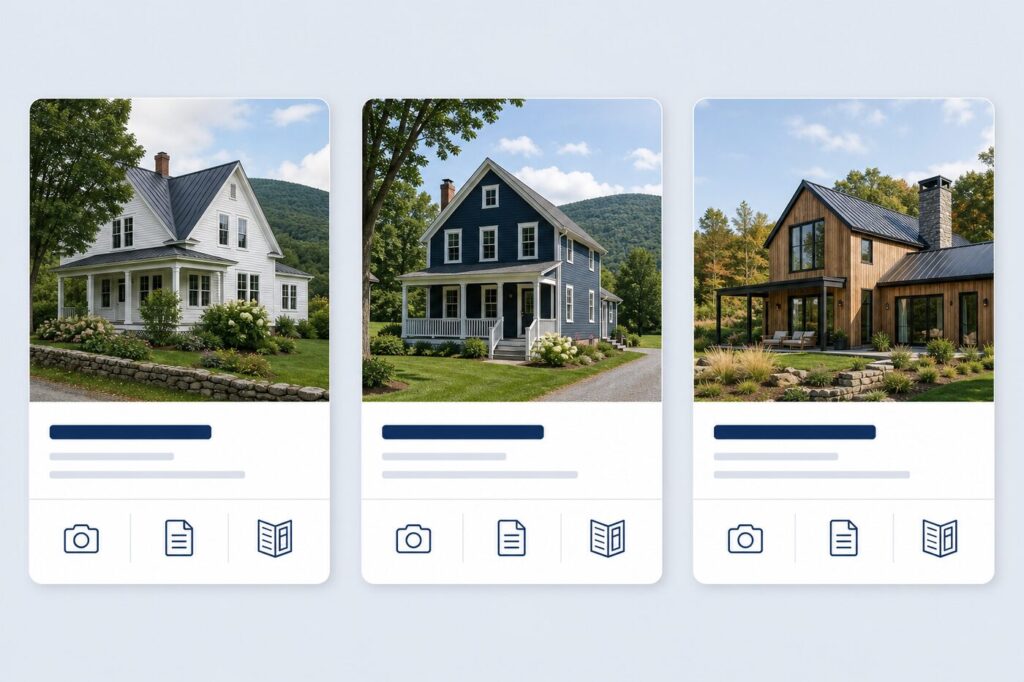
Every listing you care about starts here. Cards show status at a glance; flip a card to jump into the tools for that MLS number.
- Property Search — find by MLS #, address, town, owner, or status.
- Copy MLS # — grab the number quickly for emails and forms.
- Per-listing tools — gallery, ad copy, brochures, contracts, coop fee, owners, and more.
You’ll find this under Properties on the private site.
Tools on every listing
Open a property and you’ll find the marketing and ownership tools that keep a listing moving — without leaving Private Side.
- Image Gallery — Pick the photos you need and package them into a downloadable zip for ads, social, or print.
- Ad Copy — Write or refine listing copy, import from remarks, save drafts, and submit for review when ready.
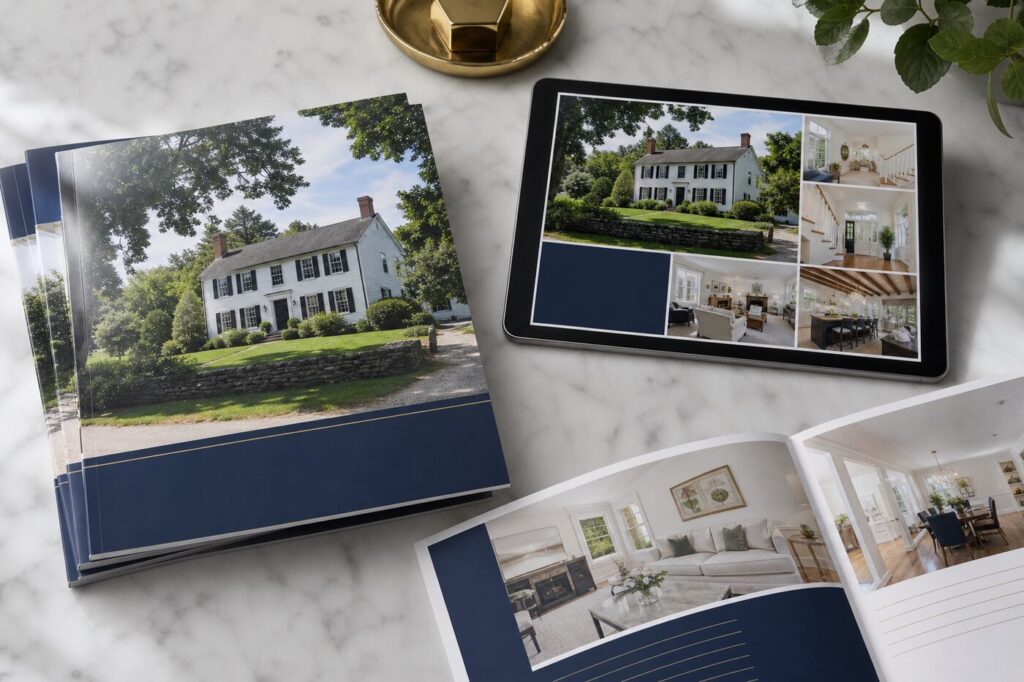
- Brochures — Build listing brochures with your photos and layout choices, then download a print-ready PDF.
- Ad History & owners — See past ad activity for the listing, and keep property owner contacts up to date.
- Cooperation Fee — Set the coop fee for the listing so it’s clear for cooperating brokers.
- Weekly ads — Under Marketing → Locations, assemble weekly ad content and download images + copy in one zip.
Marketing that matches the listing
From a single listing you can pull photos, polish the story, produce a brochure, and feed weekly advertising — so sellers see a consistent presentation wherever the property shows up.
Contracts, Dotloop & closings

When a deal is in motion, Private Side keeps the paperwork and related forms tied to the listing.
- Contracts — start a new contract or Import from Dotloop, then edit parties and financials.
- Link Dotloop — connect the listing to its loop; open the loop on Dotloop when you need to.
- Forms & PDFs — sales summary, deposit form, trust release, commission statement, closing risk reduction, and more.
- Expenses — log marketing or Matterport expenses against the contract.
- Closing cards & surveys — printable closing cards and post-closing survey packs when you’re wrapping up.
Tip: First-time setup: open Dotloop Connect on the private site and authorize Dotloop so imports and links work for your account.
CMAs & seller presentations

Build a comparative market analysis for a subject property, find and fine-tune comps, then generate polished reports for the listing appointment.
- Look up the subject (including assessed / Grand List data where available)
- Search and add MLS comps; review and adjust in My Comps
- Generate seller CMA presentations, sell-vs-assessed and related reports, Excel exports, and more
- Optionally add pages into a Listing Presentation deck
You’ll find this under Marketing → CMA.
Market stats & research
When you need numbers for a listing meeting or a town conversation, Marketing → Stats and Research have ready-to-run reports.
- Area stats — monthly and quarterly sales reports, price ranges, sales trends, and multi-town comparisons.
- Market share — brokerage share by area, price band, and date.
- My Sold & productivity — your sold activity and productivity views, with Excel export when you need a spreadsheet.
- Research tools — Grand List lookup, property transfers, broker open house materials, and listing presentation builders.
Leads, intranet & everyday helpers

Beyond listings, Private Side helps you stay on top of people and resources.
- Agent CRM — web leads assigned to you: profiles, saved searches, favorites, messages, and form inquiries.
- Intranet Directory — searchable company resources, favorites, and links by type or service area.
- Scam Emailers check — quickly see if a name or email has shown up in known scam mail.
- School reports — Vermont school report content you can use with buyers and sellers.
Leads from the public website (IDX search, home valuation, contact forms) flow into your CRM so you can follow up without hunting across inboxes.
A simple way to work a new listing
- Find it on My Properties (or Property Search).
- Flip the card → Image Gallery for photos, Ad Copy for the story.
- Build a Brochure and, if needed, set up weekly Advertise / download images & copy.
- When under contract, Link Dotloop / import the contract and use the closing forms as you go.
- For the next listing appointment, run a CMA and pull market stats for the town.
Questions?
If something looks missing on a listing (photos, Dotloop link, or a tool you expect), ask the office — most issues are a quick connect or permissions fix, not a new system to learn.
Welcome to Private Side. Start at My Properties and work outward from each listing — that’s the path most agents use every day.